
AI Detection
What AI Made This Image? How to Find the Generator
A corner mark, a hidden label or the creator's own post can name the AI tool behind an image. Style alone rarely can. Here is where to look.
On this page
- Can You Tell What AI Made This Image by Its Style?
- Where to Find an AI Watermark on an Image
- Do AI Image Tools Add Content Credentials?
- Can an Invisible Watermark Show Which AI Made It?
- How to Check an Image's Hidden File Details
- How to Find the Original Post and Who Made It
- What a Detector's "Likely Tool" Result Means
- What AI Made This Image? Check in This Order
What AI made this image? You can often find out, but rarely by judging its style. The reliable answers come from what the tool left behind: a small mark in a corner, a label hidden inside the file, settings saved by the app, or the creator's own post.
In October 2026, the UK fact checker Full Fact looked at viral images and videos of a person in a Pink Panther costume at protests in France, and found signs of more than one AI tool. Some examples appeared to contain invisible SynthID watermarks, "indicating they were made or edited with Google's AI", while others pointed to Meta's AI or to OpenAI's tools. The evidence was hidden in the files, not in the look of the pictures.
Key Takeaways
- Guessing the generator from style is unreliable: in one 2024 study, a researcher matched only 37.23% of 650 images to the right tool.
- A visible mark in a corner, like Google AI's sparkle or a Grok logo, is the quickest clue, but it is easy to crop off.
- Content Credentials and other hidden file labels can name the tool, but social platforms often strip them.
- A missing watermark doesn't rule out AI: the mark may have been removed, or another tool made the image.
Can You Tell What AI Made This Image by Its Style?
Rarely. Some people feel they can recognize a tool's look, especially if they use it often. Research suggests it's harder than it sounds.
In a 2024 study on tracing images back to the tool that made them, one of the authors tried it by eye. In the paper's words: "Tasked with attributing 650 images to their correct source generators, the co-author achieved only a 37.23% accuracy rate."
That beat pure guessing, which the paper puts at 7.69%, but fell far short of the computer method the researchers built. It's one person, not a large survey, but it was a researcher working on exactly this problem.
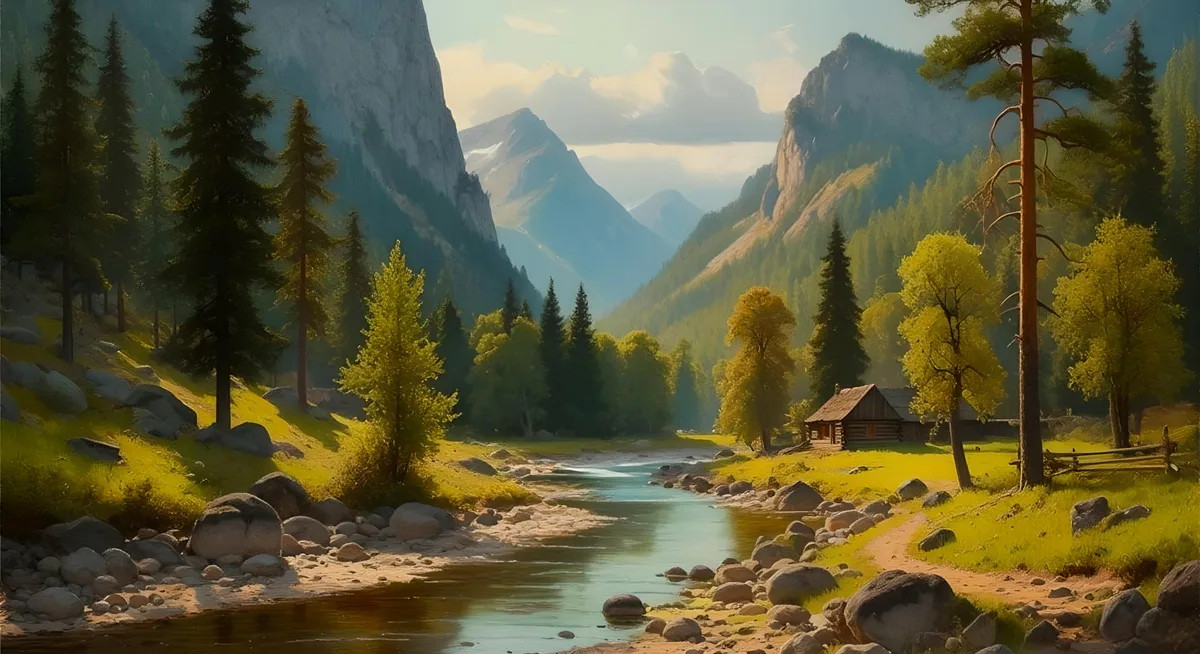
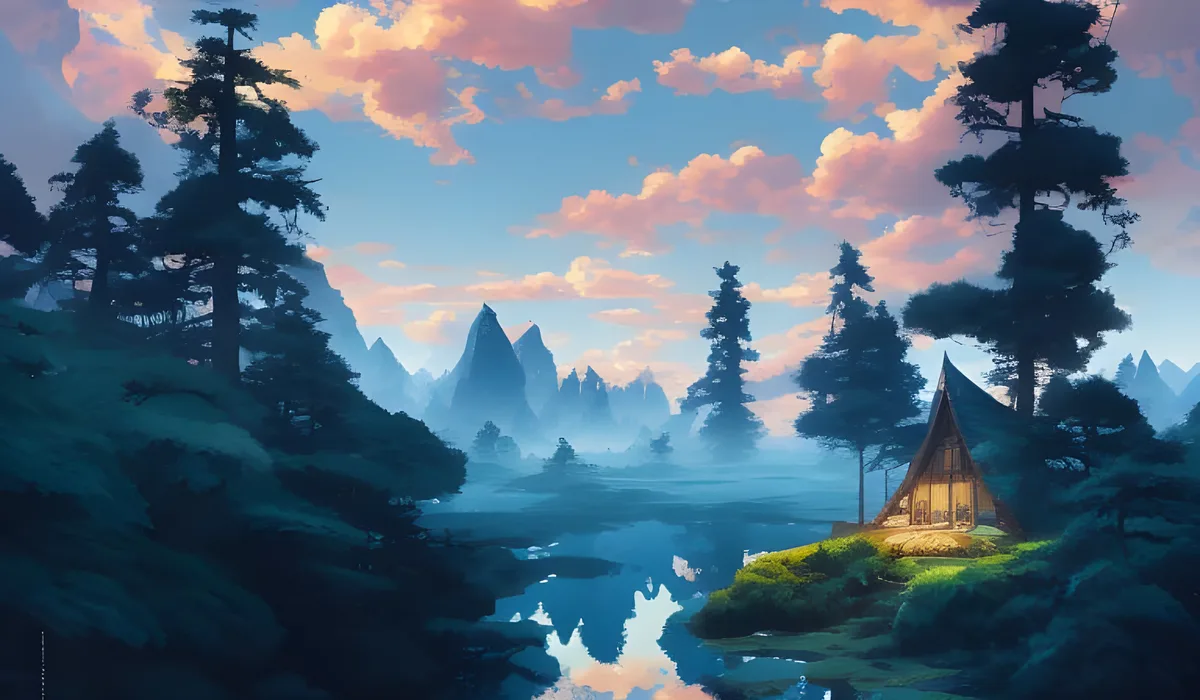
The two pictures below show why. Both belong to one creator's series of the same scene, a pine valley in the afternoon, and both happen to include a small cabin. They were made with two different AI tools. One looks like a painting, the other like a landscape photo. Could you say which tool made which from the pictures alone? Only the file pages that record each tool settle it.

Treat style as a hint at most. The checks below are more reliable, and you should try them first.
Where to Find an AI Watermark on an Image
Start with the simplest check: zoom in on the corners. Some AI tools stamp a small mark on what they make. In October 2026, Lead Stories checked an image claiming to show fertility signs, with misspelled labels. It noted that "There is a four pointed sparkle icon" in the lower right corner, a mark that "represents something made with Google AI." It also confirmed Google's invisible watermark in the image.
Other tools leave their own marks. When Lead Stories checked a photo said to show Bernie Sanders in January 2025, it pointed out that a "Grok" watermark "is shown in the image's lower right corner."
Keep two things in mind. First, a visible mark is the easiest clue to remove. Full Fact's guide to spotting AI content says "these watermarks can easily be cropped away before an image is shared." If an image looks oddly cropped, look for an earlier, uncropped copy. Second, a mark tells you which maker's tool touched the image, not how much. The tool may only have edited part of a real photo.
Do AI Image Tools Add Content Credentials?
Content Credentials are labels that some AI makers embed in the images they produce. When they survive, they can tell you which tool made the picture. Big AI makers that say they add them include:
- Adobe Firefly. In its April 2025 Firefly announcement, Adobe said that "Content Credentials will be attached to all AI-generated content." It added that "you can always see whether it was created with Firefly or a non-Adobe model".
- Microsoft Copilot. For images made in Copilot, Microsoft's Copilot FAQ says "we have implemented content credentials, provenance based on the C2PA standard", and that the details "can be viewed on the Content Credentials site".
If you have the file itself, you can open it on the Content Credentials site and read what it says. Our guide on how to tell if a photo has been edited with AI shows how to spot the small "CR" pin some websites display, and the edit labels phones save.
But these labels often don't make it to you. In January 2026, Adobe researcher John Collomosse wrote on the Content Authenticity Initiative's blog that "it is still common for social media and content platforms to remove metadata." The copy in front of you may have lost them.
Can an Invisible Watermark Show Which AI Made It?
Some makers also hide a watermark in the image itself, separate from the labels in the file. Google's version is called SynthID. The Full Fact guide mentioned above says this watermark "can be used to identify content which comes from Google's AI tools". Meta's labeling announcement says it applies "Imagined with AI" labels to photorealistic images made with its Meta AI feature, and uses "IPTC metadata and invisible watermarks" as markers.
Watermarks like these are what Full Fact found in the Pink Panther examples. You can't see them by looking, and a watermark has limits. Google told Full Fact, in the same guide, that the presence of its watermark "can't tell us whether AI was used to completely generate a brand-new image".
A missing watermark has limits too. Each maker's watermark points only to that maker's tools. Finding no Google watermark says nothing about an image made with a different company's tool.
How to Check an Image's Hidden File Details
Every image file can carry hidden details, often called metadata: the camera or app that saved it, the date, and sometimes much more. On a computer, open the file's properties or info panel. On a phone, look for an info or details button in your photo app.
Some AI tools write a lot here. AUTOMATIC1111, an app for running Stable Diffusion on your own computer, says in its README on GitHub that the "parameters you used to generate images are saved with that image", inside the file itself. If you find a block of generation settings in a file's details, it's a sign the image came from an app like this.
This only works on a copy that still has its details. As noted above, platforms commonly remove metadata. If you can, check the file the creator shared first, not a copy of a copy.
How to Find the Original Post and Who Made It
Often the quickest way to learn which AI made an image is to find the person who made it. Read the caption, the hashtags and their profile: the creator may simply have named the tool. An earlier copy may also still have the watermark or file details that later copies lost.
Look for where the image first appeared, then read the original post. Investigate online, a paid feature in the IsItAI.com detector, helps with this step: it shows where else the image appears and the earliest copy we could confirm. Our post Is This Image AI or Real? explains how it works.
If the creator can't be found, that is worth knowing too. A picture with no traceable source deserves more caution, not less.
What a Detector's "Likely Tool" Result Means
When the clues above are missing, an AI detector can still give you a reading. The IsItAI.com AI image detector gives a likely verdict and the likely tool. It reads signed Content Credentials first when a file has them, and shows any unsigned metadata labels beside the verdict.
Read the "likely tool" as a clue, not a fact. Detection is a probability, never proof. It's most useful next to the other checks: when a label, a watermark and a detector point to the same tool, the clues back each other up. When they disagree, keep digging.
What AI Made This Image? Check in This Order
Next time you wonder which tool made a picture, run through these five checks, quickest first:
- Zoom in on the corners for a mark or logo.
- Look for Content Credentials or a "CR" pin.
- Open the file's hidden details.
- Find the original post and read what the creator says.
- Run an AI check for a likely verdict and likely tool, and treat it as a probability, not proof.
Checking a video instead? The same ideas apply, with a few extra tricks. See our guide on how to tell if a video is AI.
Check a photo yourself
Upload it to the detector. Investigate online shows where it has appeared before.
Frequently Asked Questions
What AI made this image, and how can I find out?
Check in this order: look for a mark in the corners, such as Google AI's sparkle or a Grok logo; check for Content Credentials; read the file's hidden details; and find the original post, where the creator may name the tool. If all of those are missing, an AI detector can suggest the likely tool, but treat that as a clue rather than proof.
Can you tell which AI made an image just by looking at it?
Rarely with confidence. In a 2024 study, one of the researchers tried to match 650 images to the tools that made them and got 37.23% right. That beat random guessing (7.69%) but fell far short of a computer method. Visible marks, labels in the file and the creator's own post are much better guides than style.
How do I know if an image was made with Google's AI?
Look for a small four pointed sparkle in the lower right corner, which Lead Stories describes as a mark that represents something made with Google AI. Google also uses a hidden watermark called SynthID, which Full Fact says can be used to identify content from Google's AI tools. Fact checkers have used it to confirm images made with Google AI. Cropping can remove the visible sparkle, so check for an uncropped copy too.
If an image has no watermark, does that mean it isn't AI?
No. Visible marks can be cropped away, and social media and content platforms often strip the labels stored in a file. Each maker's watermark only points to that maker's own tools, so finding no mark from one company says nothing about the others. A missing watermark never rules out AI as a whole.
Sources
- Full Fact, Viral imagery of Pink Panther protester in France is AI-generated, 23 Oct 2026, retrieved 2026-11-10, fullfact.org
- Xu, Zhang and Shi, Detecting Origin Attribution for Text-to-Image Diffusion Models, arXiv:2403.19653, 2024 (v3 2025), retrieved 2026-11-10, arxiv.org
- Lead Stories, Fact Check: Image Claiming To Show Fertility Signs Is AI-Generated, 27 Oct 2026, retrieved 2026-11-10, leadstories.com
- Lead Stories, Fact Check: FAKE Photo Shows Bernie Sanders In 'Deport Elon Musk' Shirt, Grok AI Image, 13 Jan 2025, retrieved 2026-11-10, leadstories.com
and 7 more
- Charlotte Green, Full Fact, A fact checker's guide to spotting if something is AI, 11 Apr 2025, retrieved 2026-11-10, fullfact.org
- Adobe, Adobe Firefly: The next evolution of creative AI is here, 24 Apr 2025, retrieved 2026-11-10, blog.adobe.com
- Microsoft Support, Frequently asked questions about Microsoft Copilot Chat, undated, retrieved 2026-11-10, support.microsoft.com
- John Collomosse, The three pillars of provenance that make up durable Content Credentials, Content Authenticity Initiative, 22 Jan 2026, retrieved 2026-11-10, contentauthenticity.org
- Meta, Labeling AI-Generated Images on Facebook, Instagram and Threads, 6 Feb 2024 (updated 1 Apr 2025), retrieved 2026-11-10, about.fb.com
- AUTOMATIC1111, stable-diffusion-webui (README), retrieved 2026-11-10, github.com
- Images: Scenic Valley in the Afternoon, made with Stable Diffusion 1.5 (NightCafe Studio), HiDream I1 Dev and, for the featured image, Google Imagen 3.0 (NightCafe Studio), by VulcanSphere, public domain (CC0 1.0 where copyright applies), retrieved 2026-11-10, via Wikimedia Commons: Stable Diffusion 1.5, HiDream I1 Dev, Imagen 3.0
More from the blog
Was this image made by AI?
Upload any image and find out if it was made by AI. Your first 3 checks need no account.